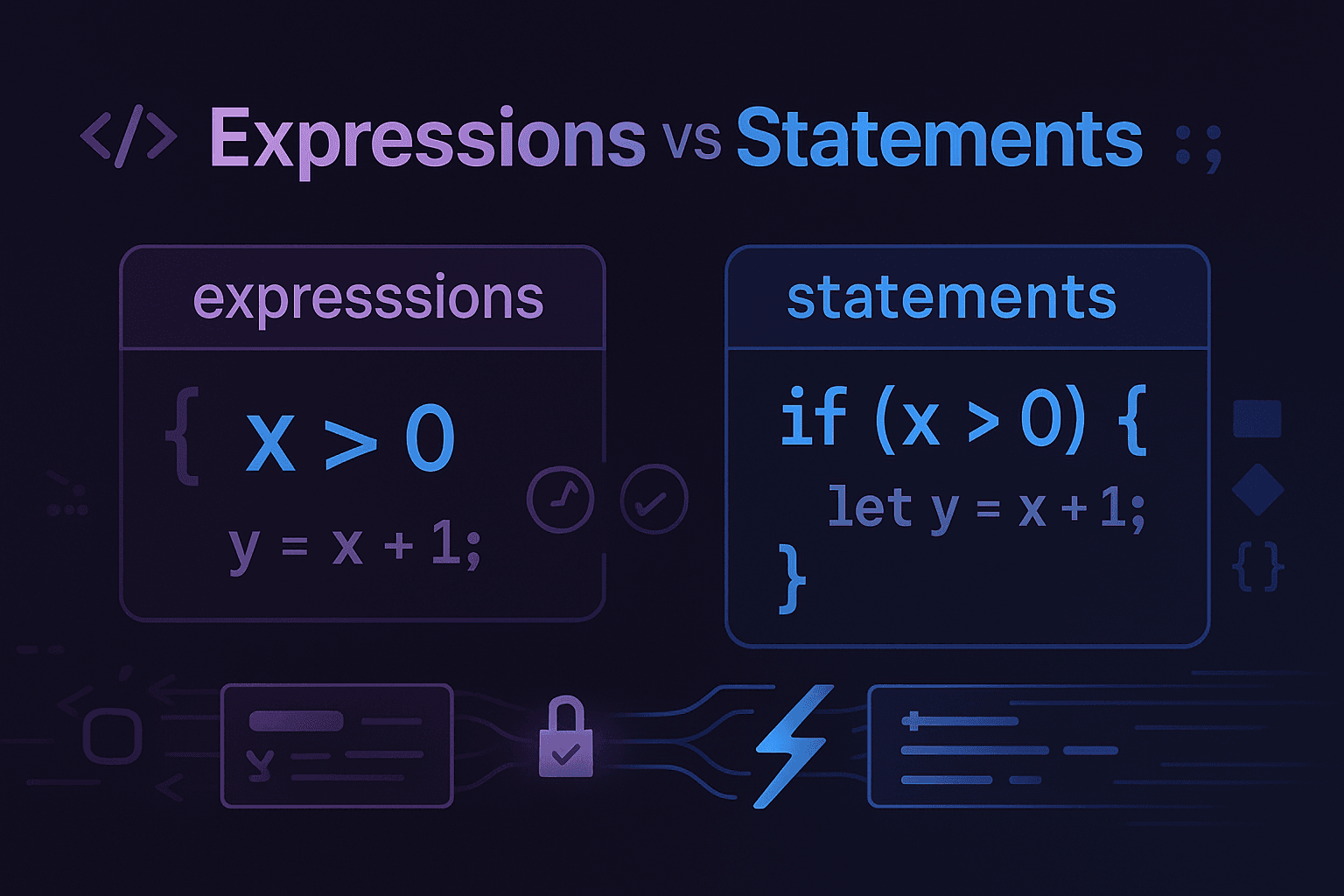
To deeply understand the distinction between expressions and statements, let's break it down step-by-step with relatable examples and clear explanations.
What is an Expression?
#An expression is a piece of code that produces a value.
Think of it like a math problem or a sentence that gives you an answer.
Key Properties of Expressions
#- Always evaluates to a single value
- Can be used wherever a value is expected (e.g., inside a variable assignment, inside JSX)
Examples of Expressions
#2 + 2 // Produces the value 4
"Hello" + " World" // Produces "Hello World"
Math.max(5, 10) // Produces 10
isLoggedIn && "Welcome back!" // Produces "Welcome back!" if isLoggedIn is true
In React JSX, expressions are often used inside curly braces {} to dynamically display values:
function Greeting({ name }) {
  return <h1>Hello, {name}!</h1>;
}
// If name = "Alice", it renders: <h1>Hello, Alice!</h1>
What is a Statement?
#A statement is a piece of code that performs an action but does not necessarily produce a value.
Think of it like a full instruction or command you give the computer.
Key Properties of Statements
#- They do something (e.g., declare a variable, control program flow)
- They don't always return a value you can use directly
Examples of Statements
#let x = 5; // Declares a variable and assigns it a value
if (x > 0) { // A conditional statement; it checks a condition and performs an action
console.log("Positive number");
}
for (let i = 0; i < 5; i++) { // A loop statement; repeats actions
console.log(i);
}
In React JSX, statements cannot be directly used inside JSX because JSX expects expressions:
// INVALID: You cannot put a statement directly in JSX
return (
  <div>
    if (isLoggedIn) { /* Does not work */}
  </div>
);
Instead, you must convert statements into expressions or manage them outside JSX:
// VALID: Use a ternary operator (an expression) for conditional rendering
return (
  <div>
    {isLoggedIn ? "Welcome back!" : "Please log in."}
  </div>
);
The Key Differences
#| Aspect | Expression | Statement |
|---|---|---|
| Definition | Produces a value | Performs an action |
| Examples | 2 + 2, "Hello" + "World", x > 5 | if, for, let, return |
| Result | Evaluates to a value | May not produce a value |
| Use in JSX | Can be used directly in JSX inside {} | Cannot be used directly in JSX |
| Purpose | Describes what the value is | Describes what the code should do |
How Expressions and Statements Work Together
#In JavaScript, you often use statements to manage program flow and expressions to calculate values or decide what to do. Here's how they interact:
let x = 10;                  // Statement: Declares and assigns a variable
let y = x > 5 ? "Big" : "Small";  // Expression: Evaluates and assigns "Big" or "Small"
if (x > 5) {                 // Statement: Checks a condition
  console.log(y);            // Statement: Performs an action (logs the result)
}
Why Does It Matter in React?
#Understanding this distinction is essential for writing React components efficiently because:
-
JSX requires expressions:
- You can't directly use statements like
iforforinside JSX - Instead, you'll use expressions like ternary operators (
? :) or array methods likemap
- You can't directly use statements like
-
Simplifies dynamic rendering:
- React encourages a declarative approach, where you focus on "what" should appear, not "how" to produce it
- Expressions help you dynamically calculate values and render components based on state or props
Examples in React
#Using Expressions in JSX
#function WelcomeMessage({ isLoggedIn }) {
return <h1>{isLoggedIn ? "Welcome back!" : "Please log in."}</h1>;
}
Here, the ternary operator (isLoggedIn ? ... : ...) is an expression that evaluates to either "Welcome back!" or "Please log in.".
Using Statements Outside JSX
#function WelcomeMessage({ isLoggedIn }) {
let message;
if (isLoggedIn) {
message = "Welcome back!";
} else {
message = "Please log in.";
}
return <h1>{message}</h1>;
}
Here, the if statement sets the message variable, which is then used inside JSX.
Common Mistakes and Solutions
#Mistake 1: Using Statements in JSX
#// ❌ WRONG: Can't use if statement directly in JSX
function BadComponent({ isLoggedIn }) {
return (
<div>
{if (isLoggedIn) {
return <h1>Welcome!</h1>;
}}
</div>
);
}
Solution: Use expressions instead
// ✅ CORRECT: Use ternary operator (expression)
function GoodComponent({ isLoggedIn }) {
  return (
    <div>
      {isLoggedIn ? <h1>Welcome!</h1> : null}
    </div>
  );
}
Mistake 2: Forgetting Curly Braces
#// ❌ WRONG: Missing curly braces for expressions
function BadComponent({ name }) {
return <h1>Hello, name!</h1>; // Will literally show "name"
}
Solution: Wrap expressions in curly braces
// ✅ CORRECT: Use curly braces for expressions
function GoodComponent({ name }) {
  return <h1>Hello, {name}!</h1>;  // Will show the actual name value
}
Mistake 3: Using Complex Logic in JSX
#// ❌ WRONG: Too much logic in JSX
function BadComponent({ users }) {
return (
<div>
{users.map(user => {
if (user.isActive) {
return <div key={user.id}>{user.name}</div>;
} else {
return null;
}
})}
</div>
);
}
Solution: Move complex logic outside JSX
// ✅ CORRECT: Move logic outside JSX
function GoodComponent({ users }) {
  const activeUsers = users.filter(user => user.isActive);

  return (
    <div>
      {activeUsers.map(user => (
        <div key={user.id}>{user.name}</div>
      ))}
    </div>
  );
}
Advanced Patterns
#Logical AND for Conditional Rendering
#function UserProfile({ user }) {
return (
<div>
<h1>{user.name}</h1>
{user.isAdmin && <AdminPanel />}
{user.hasNotifications && <NotificationBadge />}
</div>
);
}
Array Methods as Expressions
#function TodoList({ todos }) {
return (
<ul>
{todos
.filter(todo => !todo.completed)
.map(todo => (
<li key={todo.id}>{todo.text}</li>
))
}
</ul>
);
}
Function Calls as Expressions
#function PriceDisplay({ price, discount }) {
const calculateFinalPrice = (price, discount) => {
return price - (price * discount / 100);
};
return (
<div>
<span>Original: ${price}</span>
<span>Final: ${calculateFinalPrice(price, discount)}</span>
</div>
);
}
Best Practices
#- Keep JSX clean: Move complex logic outside of JSX
- Use expressions for dynamic content: Leverage ternary operators, logical AND, and array methods
- Prefer expressions over statements in JSX: This makes your code more readable and React-friendly
- Extract complex calculations: Create helper functions for complex expressions
Conclusion
#Mastering the difference between expressions and statements is fundamental to writing effective React code. Remember:
- Use expressions for dynamic, inline calculations and rendering in JSX
- Use statements for structuring your logic, such as looping, declaring variables, or managing conditions outside of JSX
By understanding this distinction, you'll write clearer, more efficient React code that follows best practices and avoids common pitfalls.