Introduction
#In modern JavaScript and React development, two powerful tools often go overlooked: rest and spread operators. Though they might seem small in terms of syntax, these two operators can significantly simplify your code, improve readability, and make your applications more flexible.
In this article, we'll explore what rest and spread operators are, how they work, and why they're essential for any developer working with JavaScript or React. By the end of this guide, you'll have a solid understanding of how to use these tools to write more elegant and efficient code.
What Are Rest and Spread Operators?
#Rest Operator
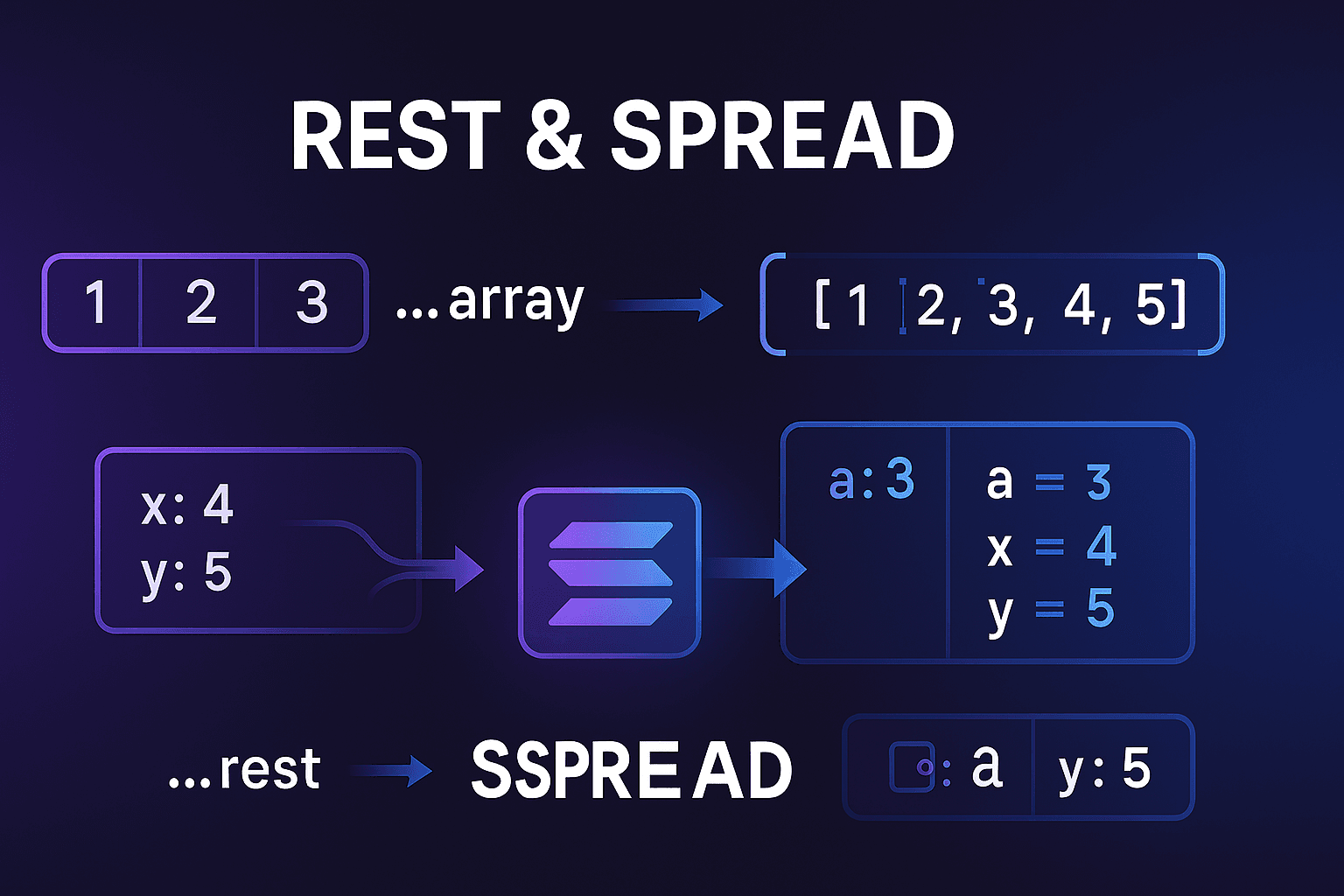
#The rest operator (...) allows you to collect multiple arguments or elements into a single array. Think of it as a way to group together arguments, allowing your functions or structures to handle a flexible number of inputs.
Example:
Here, ...numbers collects all the arguments passed to the sum function into an array, making it easy to handle any number of inputs.
function sum(...numbers) {
  return numbers.reduce((total, number) => total + number, 0);
}
console.log(sum(1, 2, 3, 4)); // Output: 10
Spread Operator
#On the flip side, the spread operator (...) is used to expand or "spread out" the elements of an array or object. Think of it like unpacking the contents into individual components.
Example:
In this example, the ...numbers spread out the elements of the array, effectively passing them as individual values.
const numbers = [1, 2, 3];
console.log(...numbers); // Output: 1 2 3
Key Differences Between Rest and Spread
#- Rest Collects, Spread Expands: Rest gathers elements into a single structure, while spread distributes them. Think of rest as packing your suitcase (collecting things) and spread as unpacking your suitcase (distributing things).
- Rest in Function Parameters: The rest operator is used to collect remaining function arguments into an array.
- Spread in Function Calls and Structures: The spread operator expands an array into individual arguments or elements, commonly used when working with functions, arrays, or objects.
Rest Operator in Depth
#Using Rest in Function Arguments
#The rest operator is most commonly used in function parameters to handle an unknown number of arguments.
Example:
Here, the ...numbers rest parameter gathers all the passed numbers into an array, making it easy to process them.
function addNumbers(...numbers) {
  return numbers.reduce((sum, num) => sum + num, 0);
}
console.log(addNumbers(1, 2, 3)); // Output: 6
Combining Rest with Regular Parameters
#When using the rest operator, it must always be the last parameter in a function. This is because it collects all the remaining arguments into an array.
Example:
function introduce(firstName, ...nicknames) {
  console.log(`Hi, I'm ${firstName} but you can call me ${nicknames.join(', ')}`);
}
introduce('John', 'Johnny', 'JJ', 'John the Great');
// Output: Hi, I'm John but you can call me Johnny, JJ, John the Great
Spread Operator in Depth
#Expanding Arrays and Objects
#The spread operator allows us to easily clone or expand arrays and objects. This is incredibly useful for immutably updating arrays or objects without modifying the original data.
Example (Arrays):
const arr1 = [1, 2, 3];
const arr2 = [...arr1, 4, 5];
console.log(arr2); // Output: [1, 2, 3, 4, 5]
In this example, the spread operator is used to copy the contents of arr1 into arr2, while also adding new elements (4, 5) to the array.
Example (Objects):
const user = { name: 'Alice', age: 25 };
const updatedUser = { ...user, age: 26 };
console.log(updatedUser); // Output: { name: 'Alice', age: 26 }
Here, the spread operator is used to clone the user object and modify the age property without altering the original user object.
Practical Use of Rest and Spread in React
#Using Rest in React Components
#In React, the rest operator is often used to pass multiple props or handle any number of additional props without having to specify each one.
Example:
Here, the rest operator collects any additional props passed to the Button component and applies them to the underlying <button> element.
function Button({ label, ...props }) {
  return <button {...props}>{label}</button>;
}
Spreading Props in React
#The spread operator can be used to simplify the passing of props from one component to another, reducing the amount of repetitive code.
Example:
const buttonProps = {
  type: 'submit',
  className: 'btn-primary',
};

function SubmitButton() {
  return <Button {...buttonProps} label="Submit" />;
}
Real-World React Use Cases
#Example 1: Cloning and Updating State in React
#In React, we often need to update state without directly mutating the existing state. Using the spread operator is a common pattern for handling such updates:
Example (React State Update):
const [user, setUser] = React.useState({ name: 'Alice', age: 25 });

function updateUserAge() {
  setUser(prevUser => ({ ...prevUser, age: prevUser.age + 1 }));
}
In this case, we use the spread operator to clone the 'user' object and then update just the 'age' property.
Example 2: Merging Object Properties Immutably
#When working with complex objects like user profiles, merging properties immutably using the spread operator helps you maintain immutability, especially when updating nested fields.
Example (Merging User Profile Data):
const profile = {
  name: 'John Doe',
  email: 'john.doe@example.com',
  address: {
    city: 'New York',
    state: 'NY',
  },
};

const updatedProfile = {
  ...profile,
  address: {
    ...profile.address,
    city: 'Los Angeles',
  },
};

console.log(updatedProfile);
// Output: { name: 'John Doe', email: 'john.doe@example.com', address: { city: 'Los Angeles', state: 'NY' } }
In this real-world example, you can see how the spread operator is used to immutably update the address property without affecting the original profile object.
Example 3: Handling Unknown Numbers of Form Inputs with Rest Operator
#In real-world forms, especially dynamic forms like surveys or custom fields, the number of inputs may not always be fixed. The rest operator can help in handling multiple inputs flexibly.
Example (Dynamic Form):
function Form({ fields, ...rest }) {
  return (
    <form {...rest}>
      {fields.map((field, index) => (
        <input key={index} name={field.name} placeholder={field.placeholder} />
      ))}
    </form>
  );
}

const fields = [
  { name: 'firstName', placeholder: 'First Name' },
  { name: 'lastName', placeholder: 'Last Name' },
];

<Form fields={fields} onSubmit={handleSubmit} />;
In this case, we use the rest operator to handle any additional props (onSubmit, className, etc.) passed to the form, while dynamically rendering the input fields based on the fields array.
Example 4: Using Spread Operator to Pass Down Inherited Props in a Reusable Card Component
#Let's say you have a reusable card component, and you want to pass down common props (e.g., onClick, style, etc.) from a parent component to the child Card component. The spread operator is a great way to achieve this without hardcoding each prop.
Example (Reusable Card Component):
function Card({ title, content, ...props }) {
  return (
    <div className="card" {...props}>
      <h2>{title}</h2>
      <p>{content}</p>
    </div>
  );
}

<Card
  title="Card Title"
  content="This is a reusable card component."
  style={{ border: '1px solid #ccc', padding: '10px' }}
  onClick={() => alert('Card clicked')}
/>;
Here, the spread operator passes down all the remaining props (style, onClick, etc.) from the parent to the Card component, making the card highly reusable and flexible.
Combining Rest and Spread
#You can combine rest and spread in the same function or structure for powerful flexibility.
Example:
function updateUserProfile(user, updates) {
  return { ...user, ...updates };
}

const user = { name: 'Jane', age: 30 };
const updatedUser = updateUserProfile(user, { age: 31 });
console.log(updatedUser); // Output: { name: 'Jane', age: 31 }
Here, spread is used to clone the user object and apply the updates provided in the updates object.
Common Pitfalls and Best Practices
#1. Rest Operator Must Be Last
#Always place rest parameters at the end of function definitions, as they gather all remaining arguments.
2. Avoid Mutating Original Data with Spread
#The spread operator helps avoid direct mutations. When working with state in React, you should always use spread to update arrays and objects immutably.
3. Performance Considerations
#While rest and spread operators are incredibly useful, using them excessively on large datasets may impact performance. When dealing with large arrays or deep objects, consider the cost of spreading.
Debugging Rest and Spread in Your Code
#When working with rest and spread operators, debugging can be tricky because the operations happen implicitly. Here are practical strategies to identify and fix common issues:
1. Use Console Logging Strategically
#Always log the values before and after rest/spread operations to verify what's being collected or expanded:
function processData(...args) {
  console.log('Collected args:', args);
  console.log('Args type:', typeof args, 'Is array:', Array.isArray(args));

  const result = args.map(arg => arg * 2);
  console.log('Processed result:', result);
  return result;
}
2. Check for Shallow vs Deep Copy Issues
#Spread only creates shallow copies. For nested objects, you need to spread at each level:
// Problem: Nested object mutation
const original = { user: { name: 'John', age: 30 } };
const updated = { ...original, user: { ...original.user, age: 31 } };

console.log('Original unchanged:', original.user.age); // Should be 30
console.log('Updated correctly:', updated.user.age); // Should be 31
3. Verify Array/Object Structure
#Use Array.isArray() and typeof checks to ensure you're working with the expected data types:
function safeSpread(data) {
  if (Array.isArray(data)) {
    return [...data];
  } else if (typeof data === 'object' && data !== null) {
    return { ...data };
  }
  throw new Error('Data must be an array or object');
}
4. Use Browser DevTools Effectively
#- React DevTools: Inspect component props to see what rest/spread is collecting
- Console: Use
console.table()for arrays andconsole.dir()for objects - Breakpoints: Set breakpoints before rest/spread operations to inspect values
5. Common Error Patterns to Watch For
#- Rest not last parameter:
function bad(a, ...rest, b) {}// SyntaxError - Spreading non-iterables:
...nullor...undefinedwill throw - Missing nested spreading: Only spreading top level of nested objects
Conclusion
#Rest and spread operators in JavaScript and React are invaluable tools that simplify code and make applications more flexible and readable. By understanding the core differences, use cases, and best practices, you can write more elegant, maintainable code.
Now that you've mastered rest and spread operators, take a moment to review your codebase—there are likely places where these tools can simplify your logic and reduce redundancy.