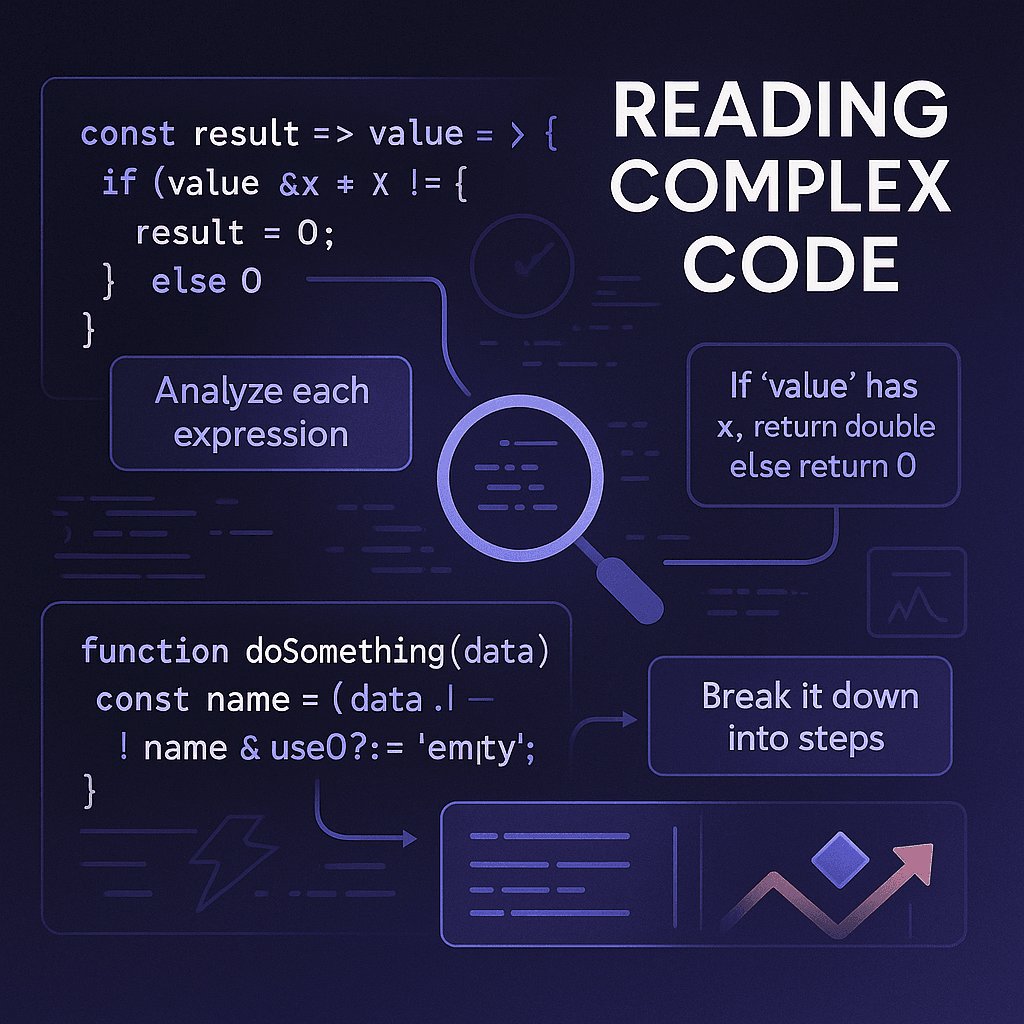
The first time I opened a real production repo, I did what most people do: I scrolled. The files blurred, the tabs multiplied, and my brain quietly filed a support ticket titled "Too Much." It took me a while to learn that fear was a verdict and also a compass. If the code felt complicated, it meant I'd found the place where understanding would pay the highest interest.
Fear Is Data
#You're staring at a component that looks like it was written by someone who speaks fluent TypeScript and dreams in algorithms. Your cursor hovers over the "Close Tab" button. The code has more question marks than a detective novel, and you're pretty sure that ?. thing is mocking you.
Here's what I wish someone had told me: fear is just data. It's your brain's way of saying "Hey, there's something valuable to learn here." The code isn't trying to intimidate you, rather, it's just waiting to be understood, one instruction at a time.
Mindset Shift: Code = Instructions, Not Magic
#Let's reframe this. That intimidating wall of syntax? It's just a recipe. Someone wrote step-by-step instructions for a computer to follow, and your job is to decode those instructions.
The key insight: You don't need to understand everything at once. You just need to understand one piece at a time.
Here's your mental toolkit for staying calm:
- Zoom in, don't zoom out. Focus on one function, one component, one logical block.
- Ask "What does this line do?" instead of "What does this entire file do?"
- Think of it as debugging someone else's handwriting. They had a reason for writing it this way, and your job is to figure out why.
Find the Entry Point
#Every React app has a starting point. Your mission: find it and trace the data flow.
The React Entry Path:
index.jsormain.jsx→App.jsx→ Router → Layout- Look for the first
ReactDOM.createRoot()call - Identify what gets rendered first
- Find where props come from and where state lives
// Entry point - index.jsx
import React from 'react';
import ReactDOM from 'react-dom/client';
import App from './App';

const root = ReactDOM.createRoot(document.getElementById('root'));
root.render(<App />);
What to look for:
- What's the main component being rendered?
- What providers wrap the app?
- Where does the initial data come from?
Layer the System: The 4-Layer Lens
#Complex code becomes manageable when you separate concerns. Here's how to think about any React codebase:
1. State & Props (Data Shape)
#- What data is being managed?
- Where does it come from?
- Who owns it?
2. Logic & Functions (Transformations)
#- What calculations happen?
- What guards and validations exist?
- How is data transformed?
3. UI (What Gets Rendered)
#- What components render?
- When do they render?
- What triggers re-renders?
4. Side Effects (External Interactions)
#- API calls
- Event listeners
- Timers and subscriptions
The tracing method: Follow data from source to sink. Start with where data enters the system and trace it through each layer until it reaches the UI.
Demystify "Weird Syntax" Quickly
#Modern JavaScript has some operators that look scary but are actually quite simple. Let's decode them:
Optional Chaining (?.)
#// Instead of this scary thing:
const userName = user?.profile?.personal?.name;
// Think of it as:
const userName = user && user.profile && user.profile.personal && user.profile.personal.name;
Nullish Coalescing (??)
#// This:
const theme = userPreference ?? 'light';
// Is the same as:
const theme = userPreference !== null && userPreference !== undefined ? userPreference : 'light';
Double Bang (!!)
#// This:
const isLoggedIn = !!user;
// Converts any value to boolean:
const isLoggedIn = Boolean(user);
Destructuring and Rest
#// Instead of:
const firstName = props.firstName;
const lastName = props.lastName;
const age = props.age;
// You can write:
const { firstName, lastName, age, ...otherProps } = props;
Pro tip: When you see unfamiliar syntax, rewrite it in the most explicit way possible. This surfaces the intent and makes it easier to understand.
Read Don't Skim: A Five-Step Micro-Method
#Here's a systematic approach to understanding any piece of code:
1. Establish Invariants
#What must be true for this code to work? What are the assumptions?
2. Log the Minimum
#Add strategic console.log statements to see what's actually happening.
3. Inline Expand One-Liners
#Break complex expressions into multiple simple lines.
4. Name Intermediate States
#Give meaningful names to intermediate values.
5. Summarize in Plain English
#Write a one-sentence description of what the code does.
Example transformation:
// Original (intimidating)
const filteredUsers = users?.filter(u => u?.profile?.isActive)?.map(u => ({ ...u, displayName: u.profile?.name ?? 'Anonymous' }));

// Step 1: Add logging
console.log('Users:', users);
const filteredUsers = users?.filter(u => u?.profile?.isActive)?.map(u => ({ ...u, displayName: u.profile?.name ?? 'Anonymous' }));

// Step 2: Expand one-liners
const activeUsers = users?.filter(user => {
  console.log('Checking user:', user);
  return user?.profile?.isActive;
});

const usersWithDisplayNames = activeUsers?.map(user => {
  const displayName = user.profile?.name ?? 'Anonymous';
  return { ...user, displayName };
});

// Step 3: Name intermediate states
const hasValidProfile = (user) => user?.profile?.isActive;
const getDisplayName = (user) => user.profile?.name ?? 'Anonymous';

const activeUsers = users?.filter(hasValidProfile);
const usersWithDisplayNames = activeUsers?.map(user => ({
  ...user,
  displayName: getDisplayName(user)
}));
Plain English summary: "This code takes a list of users, filters out inactive ones, and adds a display name to each remaining user."
Reverse Engineer by Gentle Mutation
#Sometimes the best way to understand code is to change it slightly and see what happens.
Safe experiments to try:
- Comment out a branch and see what breaks
- Change a prop value and observe the difference
- Stub an API call with mock data
- Add console logs to track data flow
Rules for safe mutation:
- Make one small change at a time
- Test immediately after each change
- Keep a mental (or written) log of what you changed
- Revert changes that don't help your understanding
// Original
const [count, setCount] = useState(0);

// Experiment 1: Change initial value
const [count, setCount] = useState(5);

// Experiment 2: Add logging
const [count, setCount] = useState(0);
console.log('Count is:', count);

// Experiment 3: Comment out setter
const [count, setCount] = useState(0);
// setCount(count + 1); // What happens when this is disabled?
Read Code Like Prose
#Approach code the same way you'd read a complex article:
First pass: Structure and flow
- What are the main sections?
- How do they connect?
- What's the overall narrative?
Second pass: Details and logic
- How does each function work?
- What are the edge cases?
- Where might things go wrong?
Third pass: Edge cases and optimizations
- What happens in error conditions?
- Are there any performance considerations?
- What could be improved?
Note-taking rubric:
- "This function guards X, computes Y, then returns Z to component Q"
- "This effect runs when X changes and does Y"
- "This state is used by components A, B, and C"
Case Study: A Mini Art Gallery
#Let's walk through a complete example. Here's a React component that draws on a canvas:
import React, { useRef } from 'react';

function ArtGallery() {
  const canvasRef = useRef(null);

  const draw = (canvas) => {
    if (!canvas) return;

    const ctx = canvas.getContext('2d');
    ctx.clearRect(0, 0, 200, 200);

    // Draw a simple face
    ctx.fillStyle = 'black';
    ctx.fillRect(50, 50, 100, 100);

    ctx.fillStyle = 'red';
    ctx.beginPath();
    ctx.arc(100, 100, 30, 0, Math.PI);
    ctx.fill();

    ctx.fillStyle = 'white';
    ctx.beginPath();
    ctx.arc(100, 100, 30, Math.PI, 2 * Math.PI);
    ctx.fill();
  };

  return (
    <div>
      <canvas
        ref={canvasRef}
        width={200}
        height={200}
        style={{ border: '1px solid black' }}
      />
      <button onClick={() => draw(canvasRef.current)}>
        Draw!
      </button>
    </div>
  );
}

export default ArtGallery;
Let's read this like a story:
-
Setup: We create a component called
ArtGallerythat sets up a digital painting space. -
Storage: We create a "memory box" (
canvasRef) to store a reference to the canvas element. -
Interface: We render a canvas element and attach our memory box to it using the
refattribute. -
Interaction: We add a button that, when clicked, calls the
drawfunction with the canvas element. -
Drawing Logic: The
drawfunction gets the canvas context, clears it, and draws a simple face using basic shapes.
The data flow:
- User clicks button →
drawfunction called → canvas element retrieved → context obtained → shapes drawn
This is a complete, runnable example that demonstrates the core concepts: refs, event handling, DOM manipulation, and component structure.
Field Checklists & Cheat Sheets
#Entry Point Checklist
#- Find
index.jsormain.jsx - Identify the root component
- Locate the router setup
- Find the main layout component
- Identify global state providers
Layering Checklist
#- Map all state variables and their sources
- List all props and their destinations
- Identify all side effects and their triggers
- Document the component hierarchy
- Trace data flow from source to UI
Syntax Decode Cheat Sheet
#?.- Optional chaining (safe property access)??- Nullish coalescing (default value for null/undefined)!!- Double bang (convert to boolean)...- Spread/rest operator (copy objects/arrays)?.()- Optional function call??=- Nullish coalescing assignment
Safe Mutation Playbook
#- Make one change at a time
- Test immediately after each change
- Keep a log of changes made
- Revert changes that don't help
- Use version control to track experiments
"What to Do When Stuck" Decision Tree
#- Am I looking at too much code? → Zoom in on one function/component
- Do I understand the syntax? → Look up unfamiliar operators
- Can I trace the data flow? → Start from the entry point
- Am I making assumptions? → Add logging to verify
- Is this the right level of detail? → Step back or dive deeper
Practice Plan (14 Days)
#Here's a structured approach to building your code-reading skills:
| Day | Activity | Time | Focus |
|---|---|---|---|
| 1-2 | Syntax Decoding | 15 min | Pick 5 unfamiliar operators, rewrite them explicitly |
| 3-4 | Entry Point Mapping | 20 min | Find the main component in a new codebase |
| 5-6 | Data Flow Tracing | 20 min | Follow one piece of data from source to UI |
| 7-8 | Safe Mutation | 15 min | Make one small change, observe the result |
| 9-10 | Layer Separation | 20 min | Identify state, logic, UI, and effects in one component |
| 11-12 | Story Narration | 15 min | Read code out loud, explaining what each part does |
| 13-14 | Complete Analysis | 30 min | Analyze one full component using all techniques |
Daily micro-drills:
- One log statement added
- One complex line rewritten
- One data flow traced
- One small mutation tested
Closing Reflection: From Intimidation to Literacy
#The fear you feel when opening complex code isn't a weakness, rather, it's a signal. It means you're pushing past your comfort zone, and that's where growth happens.
The next time you encounter intimidating code, try this: narrate it out loud. Pretend you're explaining it to a colleague who's never seen it before. Start with "This code..." and see how far you get. You'll be surprised how much you already understand.
Remember: every expert was once a beginner who refused to give up. The code isn't trying to keep you out, it's waiting to let you in.
References
#[1] React Docs — Effects and Lifecycle in Function Components
[2] React Docs — Rules of Hooks
[3] MDN — Optional chaining (?.)